01
Off
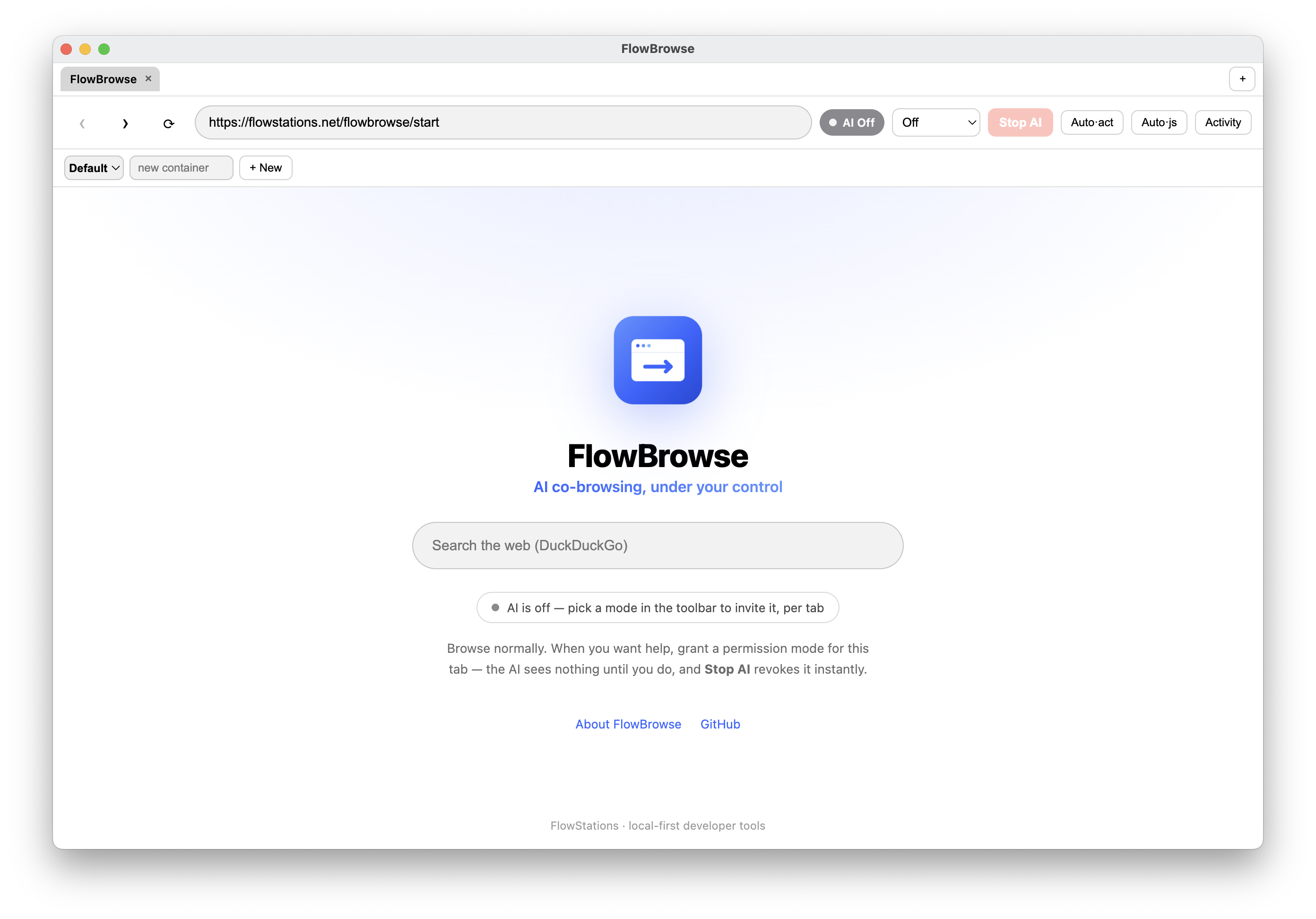
Default. The AI sees nothing — SafeCoBrowser is a normal browser.

A macOS browser that lets your own AI agent act on your logged-in sessions — under per-tab, revocable, audited permission. The agent is off by default and never sees more than you grant. Bring your own Claude Code or Codex over MCP or the built-in CLI.
AIAgent & CLI reference — drive SafeCoBrowser over MCP or CLILinux (x64): AppImage · tar.gz
Native, not Electron
The Mac App Store build is a rewrite in Swift and SwiftUI — no Electron, no bundled browser engine — for macOS 14 or later. Same product and the same guarantees: the per-tab permission ladder, granting that is never retroactive, instant revoke, approval cards for anything that acts, a hash-chained audit log, and MCP over 127.0.0.1 behind a bearer token.
On Linux, the Electron build above is the one to use — it is maintained and stays the supported option there.
Everything the agent can do is granted by you, gated per tab, shown before it happens, and written to the log.
Permission modes
Set per tab, by you. Each tier unlocks a little more — and the agent can never raise its own level.
Default. The AI sees nothing — SafeCoBrowser is a normal browser.
Read the page: URL, text, links, and screenshots.
Inspect elements and read the console and network.
Click and fill — each action behind your approval.
Run JavaScript in the page — full control, always approved.
Letting an AI act on your logged-in accounts only works if you stay in control. SafeCoBrowser treats that as the default, not a setting.
The agent sees nothing until you grant a mode for a tab — and enabling it never exposes what happened while it was blind, like your login.
Stop AI bumps a session epoch that is re-checked at execution time, so in-flight and future calls fail closed the moment you pull access.
The agent only ever gets brokered tools — never the cookie store, saved passwords, or the browser profile on disk.